CompTIA A+ Practical
Course Overview
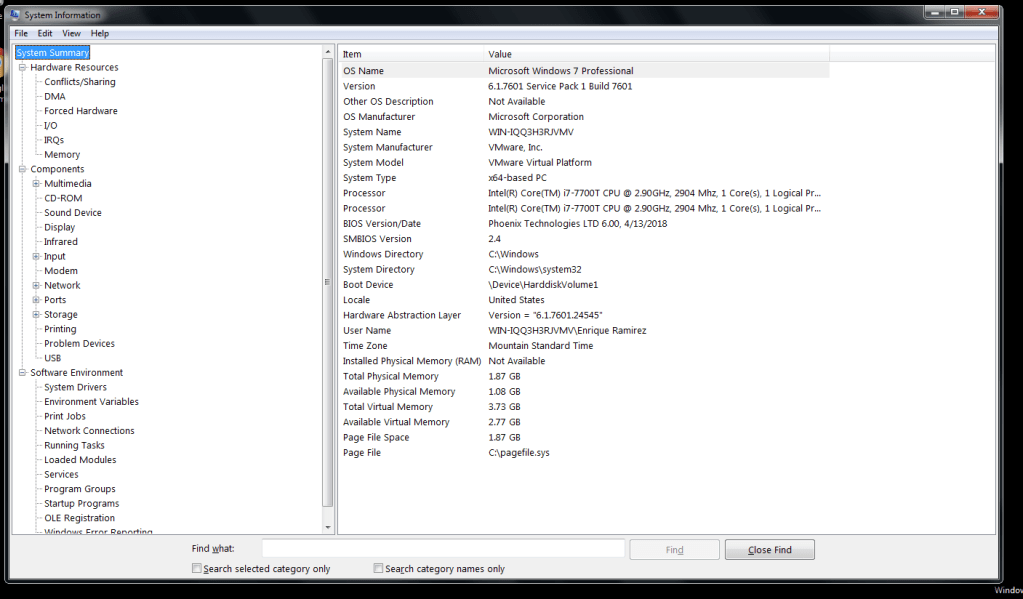
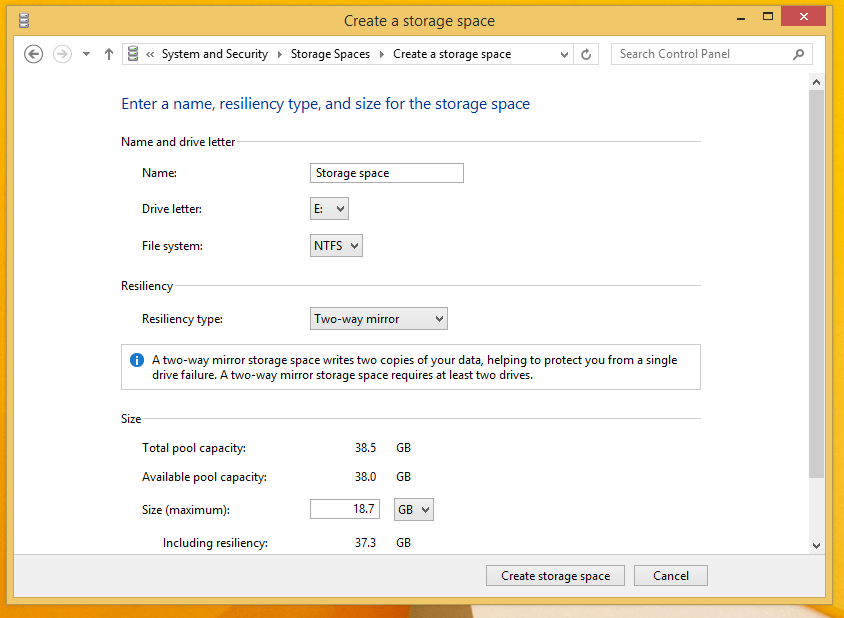
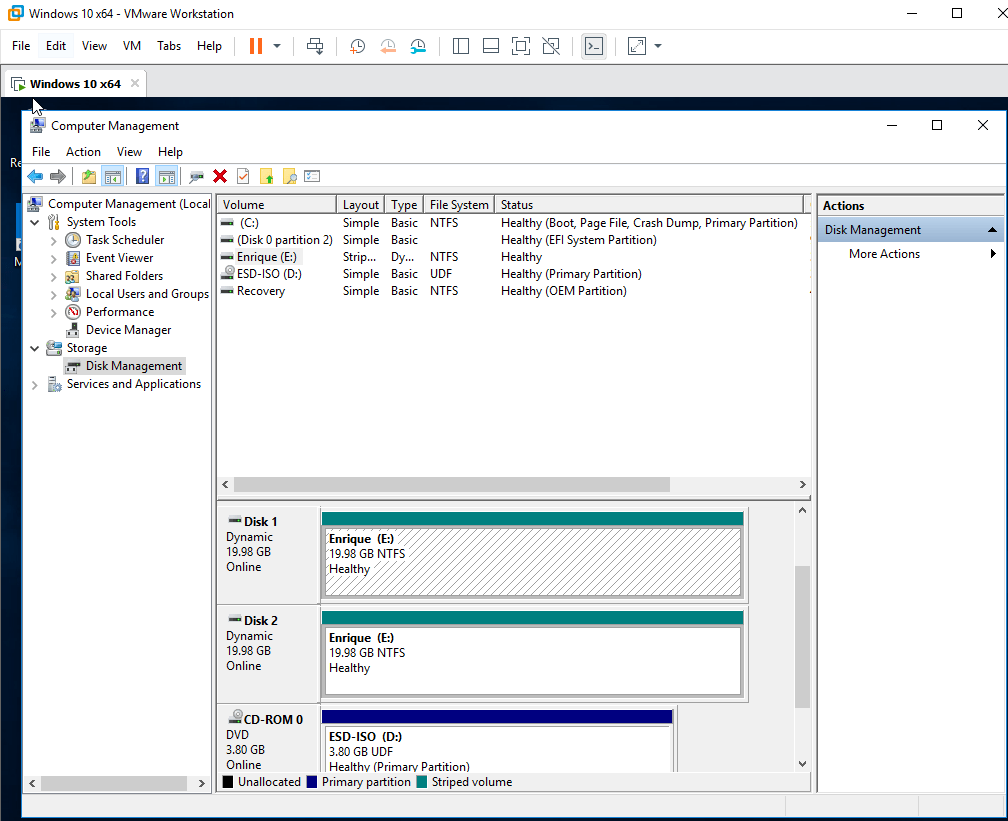
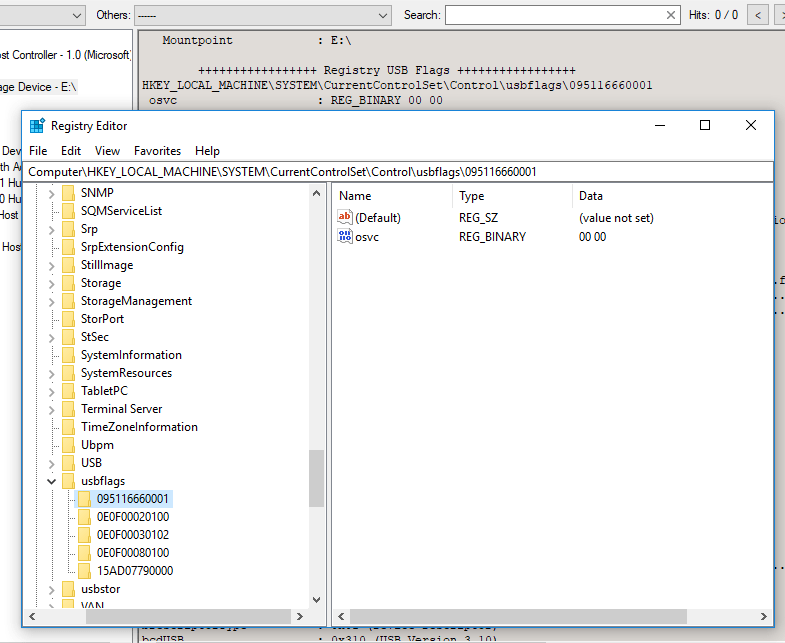
This course covered the common features of Windows 7, 8, 8.1, 10, Linux, and macOS Operating systems. The course also offered a robust set of labs including the location of operating system and troubleshooting tools for PCs, laptops, and mobile devices. This course also covered many security and networking fundamentals needed to identify, troubleshoot, and remediate common problems. This course prepared me to pass my CompTIA A+ 220+1002 Exam.
What I Learned
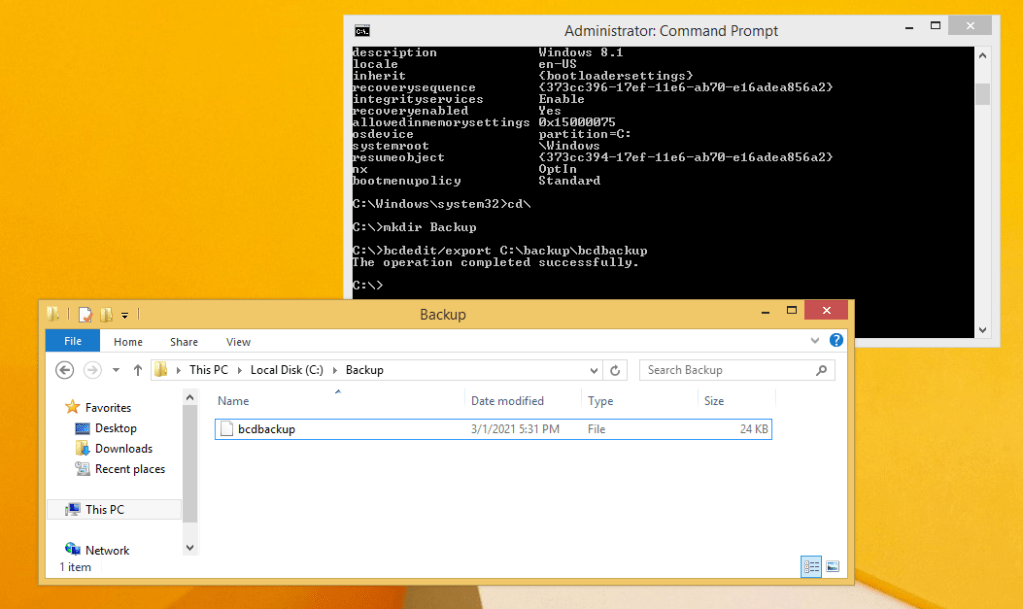
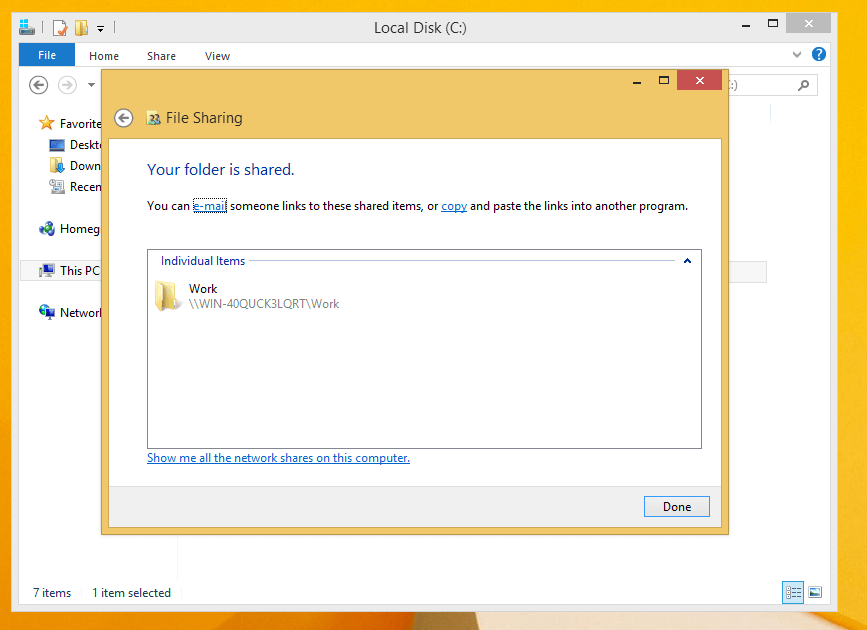
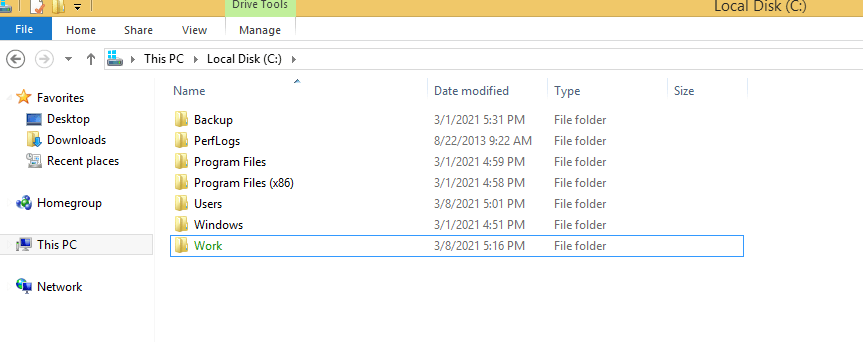
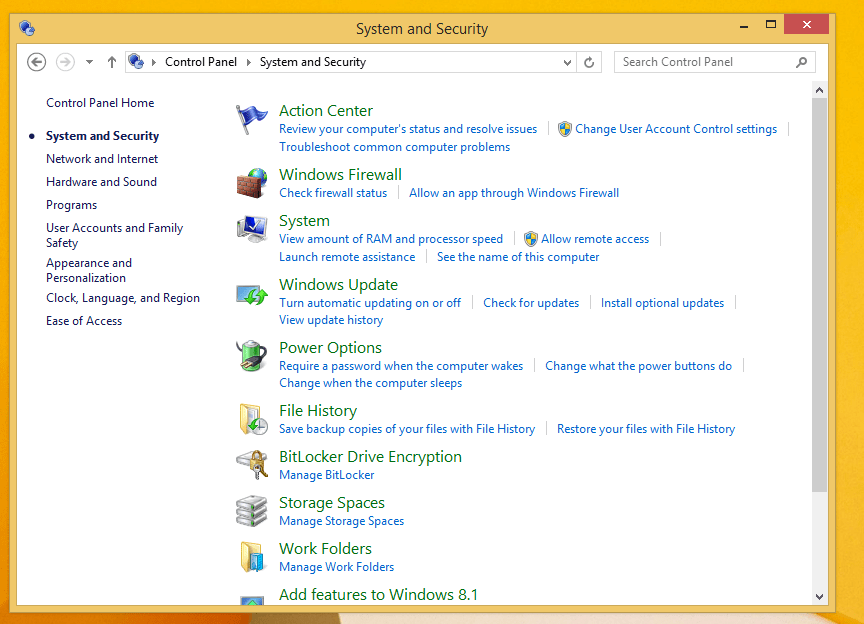
There was a vast amount of information that I learned in this course. The topics ranging from initializing and formatting disks, the numerous administrative tools available in Windows, the core command line (terminal) commands needed to troubleshoot and repair many issues, and covering the basics of networking just to name a few topics.
I have also had the opportunity to apply what I have learned in real life situations. When my computer at work was running sluggish more than usual one morning, I knew to open the task manager to help diagnose the problem. I have had to reinstall windows on a VM that displayed a stop error and was unrecoverable. I have also had the opportunity to help the IT department by looking in the event viewer for details regarding recurring errors with self service kiosks. I have also been a part of some ongoing changes being implemented to better utilize technology to perform my job functions.
Lab Assignment Gallery

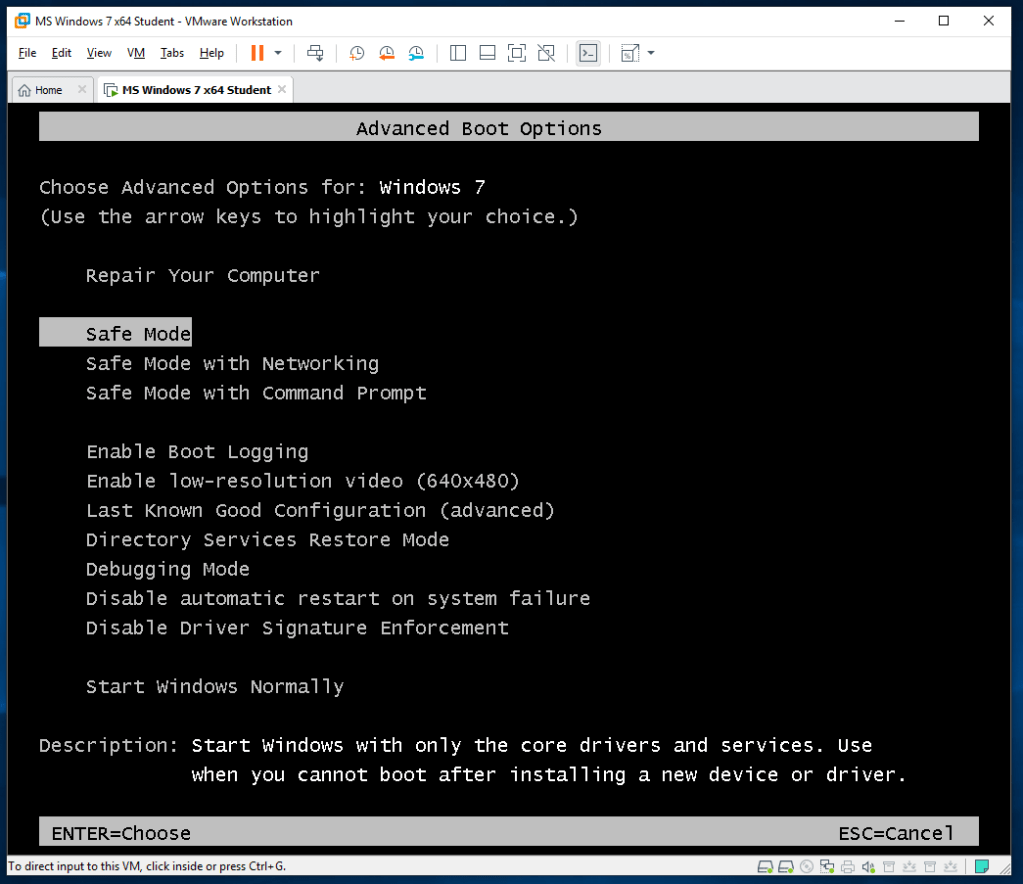
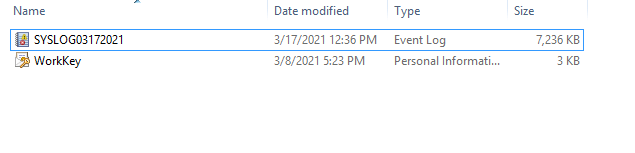
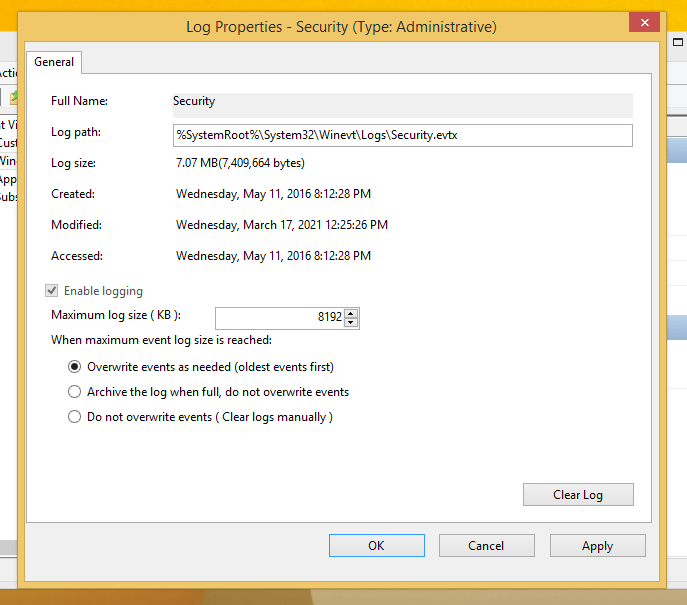
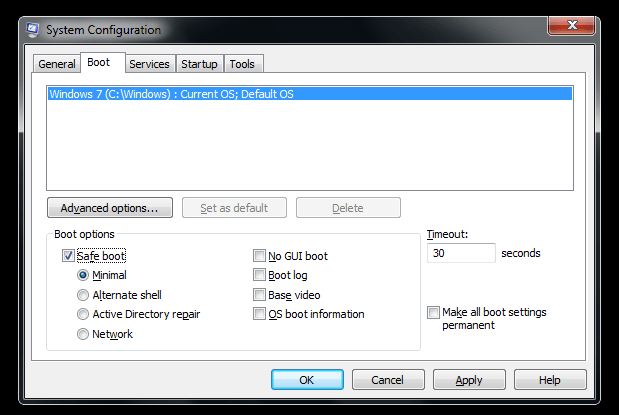
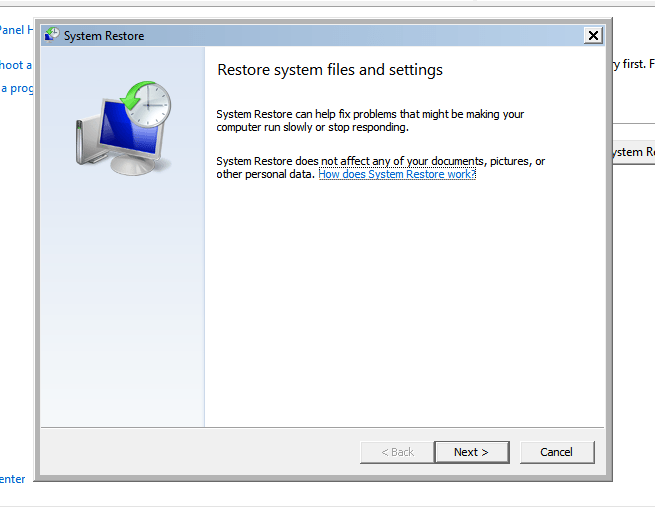
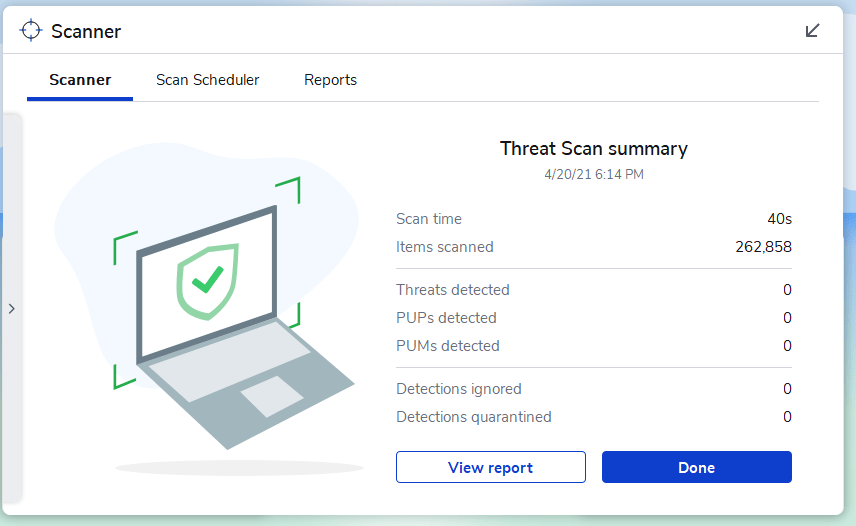
Details
Class Taken at:
Davis Technical College
550 E 300 S, Kaysville, UT 84037
 EnriqueRamirez.tech